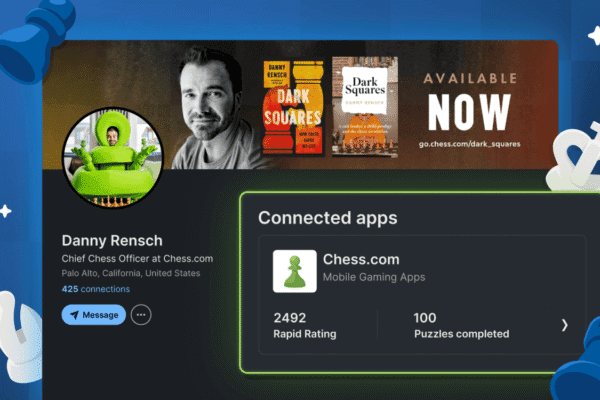
Your LinkedIn profile tells the story of your professional life. Now, it can also tell people that you’re a chess player.
Every rating point you’ve earned, every puzzle you’ve solved, and every game you’ve played is part of your chess journey. With Chess.com’s new LinkedIn integration, you can bring some of that journey to your professional profile—and show the world another side of who you are.
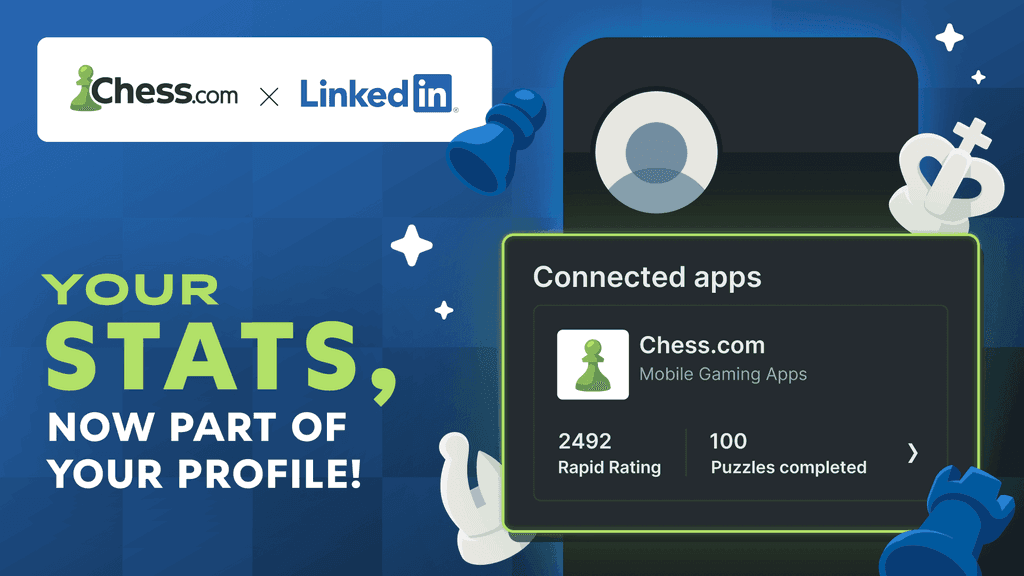
Built in collaboration with LinkedIn, the new feature makes Chess.com available as a LinkedIn connected app. Members can link their Chess.com and LinkedIn profiles and showcase selected chess stats as part of their professional identity.
Here’s how it works:
You can display up to two Chess.com stats on your LinkedIn profile. At least one must be a rating, while your second choice can be:
• Another Chess.com rating
• Your total number of games played
• The number of puzzles you have solved
Whether you’re proud of the rating you’ve worked hard to achieve, the thousands of games behind it, or all those puzzles you couldn’t put down, you can choose the numbers that best tell your chess story.
How To Connect Your Profiles
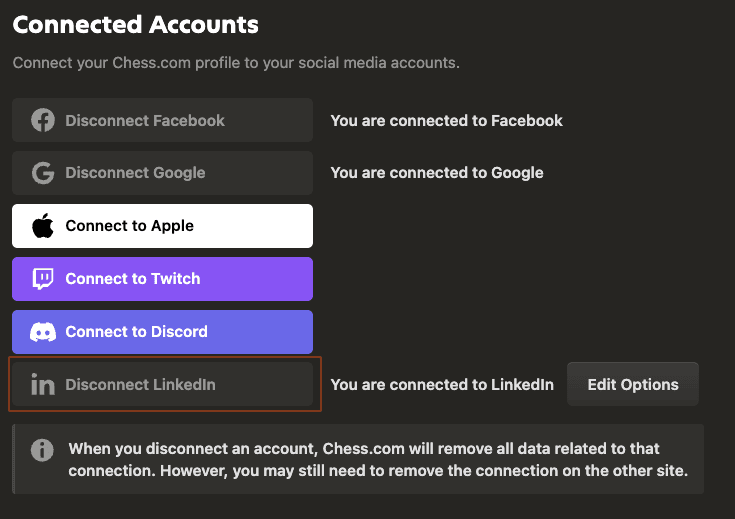
Connecting your accounts is easy:
• Visit the Connections section of your Chess.com account settings.
• Click Connect to LinkedIn.
• Select the stats you want to showcase.
• Complete the authorization process.
Note: To connect your accounts, you must use Chess.com on desktop or mobile web.
Your selected stats should immediately appear in the connected apps section of your LinkedIn profile.
They won’t stay frozen in time, either. As your ratings and other selected stats change on Chess.com, they will periodically sync with LinkedIn—so your profile can keep pace with your progress.
Your professional journey is part of who you are. So is chess. Now your LinkedIn profile can show both.